
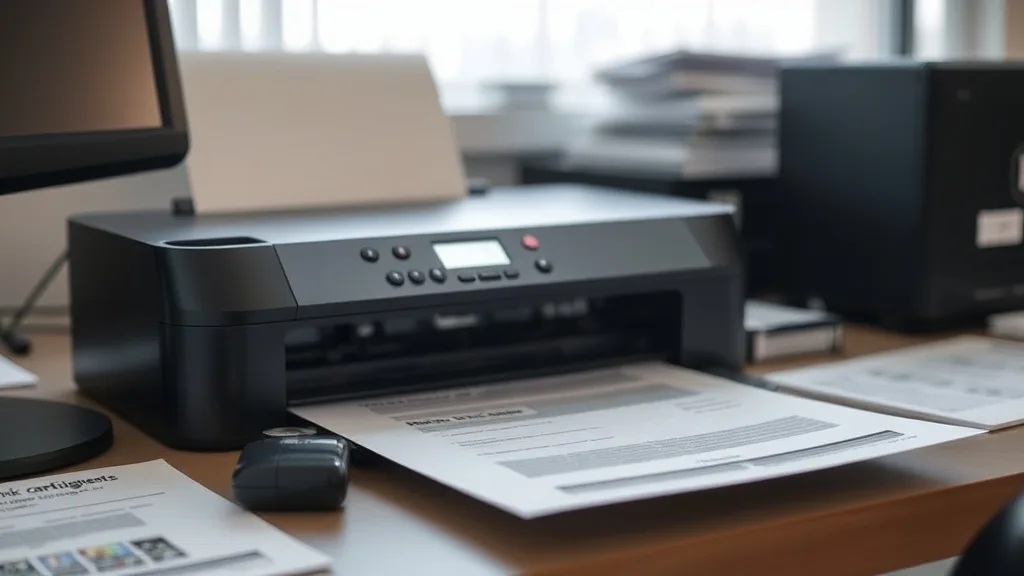
Many printer owners get frustrated watching their ink cartridges run dry quickly and cost them a small fortune. The cycle of constantly replacing expensive brand-name cartridges can feel like throwing money away. If you’re looking to extend your printer ink cartridge life and maximize your savings without sacrificing print quality or reliability, this guide will walk you through practical steps to get more pages from every cartridge.
How to Extend Printer Ink Cartridge Life for Maximum Savings
Extending your cartridge life revolves around smarter print settings, strategic printing habits, proper maintenance, and carefully choosing compatible cartridges. Follow these steps to stretch your ink supply without frustrating print issues.
1. Optimize Printer Settings for Ink Efficiency
Your printer’s default settings often prioritize quality over ink consumption—this can waste ink on everyday printing.
-
Use Draft or Economy Mode: Switching to draft or economy print mode uses less ink by lowering print resolution and pigment saturation. This is ideal for printing emails, web pages, or internal documents you don’t need pristine quality on.
-
Print in Black & White (Grayscale) When Possible: Avoid color printing unless necessary. Some printers still use color cartridges even for black text, but many offer true black-only options.
-
Reduce Page Margins and Font Size: Slimming down margins and using smaller, thinner fonts decreases overall ink usage per page.
-
Print Double-Sided: Duplex printing cuts your paper use, allowing each cartridge to produce more useful pages overall.
2. Maintain Your Printer Regularly
A well-maintained printer ensures ink flows efficiently and reduces waste caused by clogs or faulty hardware.
-
Run Ink Cartridge Nozzle Cleaning Routines: Most printers have a built-in cleaning cycle to clear clogged nozzles and prevent ink from drying out. Use it only when you see streaky prints or colors missing; excessive cleaning wastes ink.
-
Keep the Printer in a Controlled Environment: Avoid extreme temperatures or high humidity, which can dry out cartridges or cause ink to thicken.
-
Use Cartridges Consistently: Frequent switching between cartridge types or brands may cause sensor misreads or mechanical issues, leading to premature “empty” warnings.
3. Choose Compatible or Refill Cartridges Wisely
OEM cartridges are known for reliability but come at a high price and can be overkill for casual or low-volume printing.
| Cartridge Type | Cost per Cartridge | Yield (Estimated Pages) | Replacement Cost per Page | Reliability | Compatibility Risks |
|---|---|---|---|---|---|
| Brand-Name (OEM) | High | Manufacturer rated (consistent) | Moderate to High | High | None or minimal |
| Third-Party Compatible | Low to Moderate | Usually lower or equal to OEM | Low to Moderate | Moderate | Possible chip/recognition errors |
| Refilled Cartridges | Low | Varies widely, often lower | Low | Variable | Higher, depending on refill quality |
Third-party compatible cartridges or refills can offer substantial savings if you select reputable suppliers. Be cautious of chip lockouts—some brand-name printers embed chips in cartridges that check for authenticity and refuse to operate on third-party cartridges or refills. Research your printer model to understand its lock mechanism and compatibility.
4. Print Smart and Minimize Test/Unnecessary Prints
Every blank or test page wastes ink without adding value.
-
Preview Before Printing: Always review your document or image in print preview mode to confirm layout and content accuracy.
-
Print Only What You Need: Avoid printing entire webpages or documents; instead, copy-paste or print specific sections.
-
Use Print to PDF for Temporary Records: Instead of printing to paper and then scanning or saving, use digital workflows when possible.
-
Consolidate Print Jobs: Queue your prints for batch printing to reduce cartridge cycling and idle times, which can dry out ink.
5. Handle and Store Ink Cartridges Properly
Incorrect handling can damage cartridges or cause premature ink drying, shortening cartridge life.
-
Store Extra Cartridges Sealed and Upright: Keep them in their original packaging until use, in a cool, dry place.
-
Avoid Touching the Electrical Contacts or Nozzle: Oils or debris from fingers can block ink flow or cause faulty readings.
-
Remove and Wrap Cartridges Properly If Setting Aside: Use airtight plastic bags or specialized containers to prevent drying if replacing cartridges before they are empty.
6. Monitor Ink Levels Accurately and Understand Warning Limits
Modern printers estimate cartridge ink levels but can be conservative or inaccurate.
-
Using Ink Monitoring Software: Some printers allow third-party software that reads cartridge ink levels more precisely, helping avoid premature replacement.
-
Ignore Low Ink Warnings When Necessary: Often, printers stop working even though some usable ink remains, especially with OEM cartridges to protect print quality.
-
Shake Refills (When Appropriate): For refilled cartridges, gently agitating can redistribute settled pigments before reinstalling.
See also: Step-by-Step Guide to Refilling Your Own Printer Ink Cartridge
Summary Table: Key Strategies for Extending Cartridge Life
Phone cases - Sponsored - 15% off first order
Phone Case Gift - They pick the model · 2 minutes Code FIRST15GIFT| Strategy | Benefits | Caveats |
|---|---|---|
| Optimize Printer Settings | Uses less ink per page | May reduce print quality |
| Regular Maintenance | Prevents nozzle clogs and wasted cleaning | Over-cleaning wastes ink |
| Select Cost-Effective Cartridges | Saves upfront money | Potential reliability or compatibility issues |
| Minimize Unnecessary Prints | Reduces overall ink usage | Requires discipline and planning |
| Proper Cartridge Handling | Prevents premature drying or damage | Minor but essential |
| Smart Ink Monitoring | Avoids early cartridge disposal | Requires additional tools/software |
Frequently Asked Questions
Q: Will using third-party cartridges harm my printer?
A: Usually not, but quality varies. Poorly made cartridges can clog nozzles or trigger error messages. Always buy from reputable third-party suppliers and check compatibility with your printer model.
Q: How much can I realistically reduce ink usage by changing settings?
A: Switching to draft mode and grayscale can reduce ink usage by up to 50-70% depending on the document. Double-sided printing also cuts paper and ink use significantly.
Q: Are refilled cartridges reliable?
A: Refilled cartridges can work well and save money but carry a higher risk of leaking, clogging, or inaccurate ink levels compared to new cartridges. Proper refill techniques and cleaning are crucial for success.
By combining these practical, low-risk steps, you can extend the life of your printer ink cartridges substantially and avoid the frustration of constantly replacing expensive OEM cartridges. It’s about smarter printing habits supported by good maintenance and informed purchasing choices — not chasing gimmicks or unverified hacks.
Top Picks
Phone cases - Sponsored - 15% off first order
Titan Case - Precision fit · 2,000+ designs Code FIRST15TITWatchdog picks
- B0FLXG5Z7Q
- TN730 TN-730 Toner Cartridges Black Replacement for Brother TN730 TN-730 MFC-L27
- Epson EcoTank ET-2803 Wireless Color All-in-One Cartridge-Free Supertank Printer
- B0963X6B5V
- B0FMBGXC2C
- Stuart Weitzman Women’s Metro Slingback Sandal,Palomino Llama Calf,8 M US
- B0G6YZ5YFV
- B000N3BBW0
Products in this guide
Phone cases - Sponsored - 15% off first order
Phone Cases For Charity - Every case supports a cause Code GIVE10- HP OfficeJet Pro 9125e Wireless All-in-One Color Inkjet Printer, Print, scan, copy, fax, ADF, Duplex printing best-for-o
- HP OfficeJet Pro 8125e Wireless All-in-One Color Inkjet Printer, Print, scan, Copy, ADF, Duplex Printing Best-for-Home O
- HP DeskJet 2755 Wireless All-in-One Printer, Mobile Print, Scan & Copy, Instant Ink Ready, Works with Alexa (3XV17A)
- HP DeskJet 2755 All-in-One Wireless Printer Scanner Copier Instant Ink Ready Mobile Print Black 7.5ppm Color 5.5ppm Wifi
