
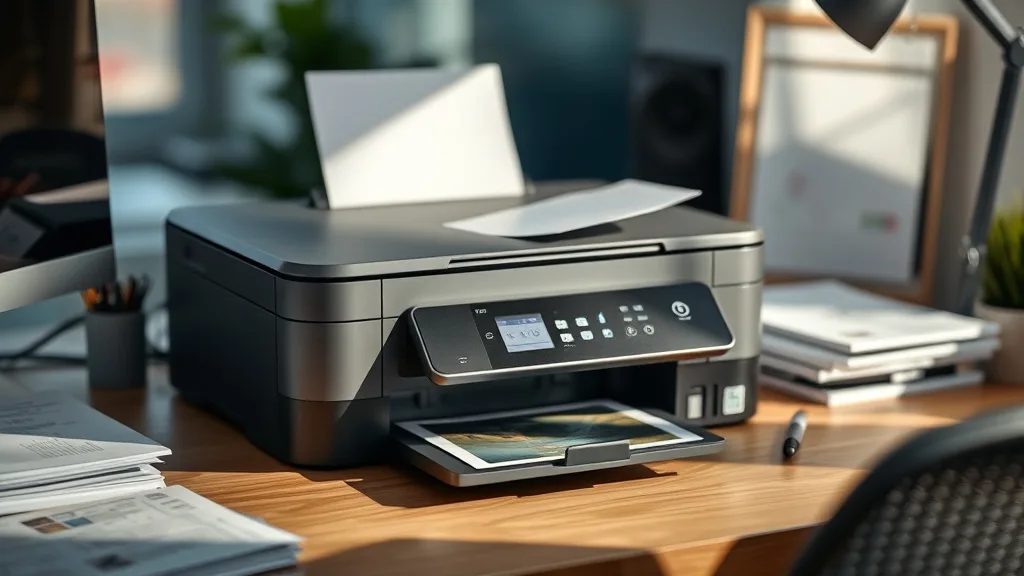
Many printer owners find themselves frustrated by the high cost of brand-name ink cartridges, especially when they rely on all-in-one printers for daily scanning, copying, and printing. The prospect of refilling cartridges to save money sounds attractive, but not all printers handle refills equally — some have sealed chips, tricky refill ports, or unreliable third-party ink compatibility. This article reviews the best all-in-one printers for ink refills, focusing on cost-efficiency, yield, and ease of refill, helping you select a printer that balances affordability and reliability without falling prey to OEM restrictions or excessive downtime.
Why Choose an All-in-One Printer Suitable for Ink Refills?
All-in-one printers combine printing, scanning, copying, and sometimes faxing into one device. For home offices or small businesses, this convenience is invaluable. However, your ink costs can quickly outstrip the initial printer savings if you rely solely on brand-name cartridges, which are often overpriced due to OEM lock-in strategies involving proprietary cartridges and chip-based authentication.
Printers that are refill-friendly allow you to use third-party inks or refill kits, cutting your cost per page (CPP) dramatically. But not all all-in-one models are designed with refilling in mind; some actively discourage it through sealed cartridges or complicated refilling mechanisms. When choosing a refill-compatible all-in-one printer, look for features like easily removable cartridges with visible refill ports, chip resettable cartridges, and proven compatibility with reputable third-party ink suppliers.
See also: Cost Comparison: OEM Ink vs Compatible Ink Over One Year
What to Look for in an All-in-One Printer for Ink Refills
Phone cases - Sponsored - 15% off first order
Phone Case Gift - They pick the model · 2 minutes Code FIRST15GIFTChoosing the best all-in-one printer for refillable ink involves evaluating several factors:
- Cartridge Design and Refillability: Prefer cartridges with simple access points or bulk ink tanks. Refillable cartridges without complex chips or with easily reset chips simplify ongoing maintenance.
- Ink Yield and CPP: Check OEM yield ratings (number of pages per cartridge) and compare them to third-party refill yields. Bulk ink tanks typically offer much higher yield, reducing CPP substantially.
- Compatibility Risk: Some printers utilize cartridge chips locked to OEM ink. Consider models known for working well with third-party refill cartridges or ink tanks.
- Print Quality and Reliability: Balance cost savings with sufficient print quality and device reliability. Low-cost printers might save on ink but fail on durability or print sharpness.
- Ease of Use: Refill kits with clear instructions and tools, or bulk ink tanks with visible ink levels, improve user experience.
Top 5 All-in-One Printers for Ink Refills Reviewed
Based on these criteria, here are five all-in-one printers that are widely praised for their refillability, cost efficiency, and balanced performance.
1. Bulk Ink Tank All-in-One Printer
- Key advantage: Large integrated ink tanks designed for refilling rather than cartridges.
- Ink yield: Often 4,000+ pages per color refill.
- Cost per page: As low as $0.01–$0.03 per page.
- ** Reliability:** Generally good; fewer chip lockouts due to tank system.
- User experience: Bulk tanks are visible for ink level checks and simple to refill with included siphon bottles.
2. Cartridge-Based Printer with Resettable Chips
- Key advantage: Uses cartridges with resettable chips to accept third-party refills.
- Ink yield: Medium yield, usually around 300-500 pages per cartridge.
- Cost per page: Moderate savings on refills compared to brand-name cartridges, roughly 30-60% less.
- Reliability: Mixed results; occasional chip failures but usually manageable with chip reset tools.
- User experience: Cartridge refilling requires some manual precision but avoids full tank maintenance.
3. High-Volume Cartridge Printer Compatible with Third-Party Ink
- Key advantage: Uses high-yield cartridges broadly compatible with third-party inks.
- Ink yield: Higher than average, around 500-700 pages per cartridge.
- Cost per page: Substantial savings with compatible third-party cartridges; roughly one-third OEM price.
- Reliability: Good, though some third-party inks can cause clogging.
- User experience: Easy cartridge swaps; refill kits available for popular compatible cartridges.
4. Entry-Level All-in-One with Refillable Cartridges
- Key advantage: Affordable initial cost with refillable cartridge option.
- Ink yield: Lower yield, typically 200-300 pages per cartridge.
- Cost per page: Moderate savings, but frequent refills needed.
- Reliability: Lower, with potential issues if poor quality refill ink used.
- User experience: Best for low volume users willing to perform regular maintenance.
5. Professional-Grade Hybrid Ink Tank Printer
- Key advantage: Combines bulk ink tanks with sealed cartridges for specialized colors.
- Ink yield: Very high on tanks; moderate on cartridges (depending on color).
- Cost per page: Excellent overall, suited for more frequent printing.
- Reliability: Very good; designed for professional use.
- User experience: Bulk refill required occasionally; cartridges mostly plug and play.
Comparison Table: Features and Trade-Offs of Refillable All-in-One Printers
Phone cases - Sponsored - 15% off first order
Titan Case - Precision fit · 2,000+ designs Code FIRST15TIT| Feature | Bulk Ink Tank Printer | Resettable Chip Cartridge Printer | High-Volume Cartridge Printer | Entry-Level Refillable Cartridge Printer | Hybrid Ink Tank Printer |
|---|---|---|---|---|---|
| Initial Price | Moderate to High | Low to Moderate | Moderate | Low | High |
| Ink Yield (pages) | 4000+ | 300-500 | 500-700 | 200-300 | 3000+ (tank), 300 (cart) |
| Cost Per Page (approx.) | $0.01 - $0.03 | $0.03 - $0.06 | $0.02 - $0.04 | $0.05 - $0.08 | $0.01 - $0.04 |
| Refill Complexity | Low | Moderate | Low | Moderate | Moderate |
| Chip Lockout Risk | Low | Medium | Medium | Medium to High | Low |
| Print Quality | Good | Good | Good | Fair to Good | Excellent |
| Best For | High volume printing | Budget-conscious users | Moderate volume, cost savings | Low volume, occasional printing | Professional users |
Managing Cost Per Page (CPP) with Refills
The true value of a refill-friendly all-in-one printer is driven by cost per page. Here’s an example calculation:
- OEM cartridge cost: $30 for 300 pages = $0.10/page.
- Compatible refill kit cost: $10 for refill ink to yield 300 pages.
- DIY refill with third-party ink: ink cost $5 for 300 pages.
Result:
- OEM CPP = $0.10
- Refill kit CPP = $0.033
- DIY refill CPP = $0.017
However, note that OEM cartridges typically come with quality assurance and lower risk of printer errors, while DIY refills can cause clogs or chip recognition errors if improperly done.
Common Pitfalls When Using Refills
Phone cases - Sponsored - 15% off first order
Phone Cases For Charity - Every case supports a cause Code GIVE10Refilling ink isn’t without risks. Common challenges include:
- Chip lockouts: Some printers detect non-OEM ink and refuse to print or show error messages. Resettable chips or chip resetters can help but may require extra cost.
- Ink clogging: Third-party or refill inks vary in quality. Poor ink can clog nozzles, damaging print heads and requiring costly cleaning.
- Yield discrepancies: Refills don’t always match OEM patent ink formulations, possibly leading to lower actual page yields or fading print.
- Warranty issues: Using third-party inks may void OEM warranty. Consider whether potential savings outweigh this trade-off.
- Refill mess and maintenance: Manual refilling can be messy and requires care to avoid leaks or damage.
Tips for Successful Ink Refilling
- Choose a printer with easy-to-refill cartridges or a bulk ink tank.
- Invest in high-quality third-party refill ink or kits with good reviews.
- Keep a chip reset tool handy if using chip-protected cartridges.
- Follow manufacturer or reputable refill instructions closely.
- Perform nozzle cleaning cycles regularly to prevent clogs.
- Test print quality frequently before large jobs to catch issues early.
Frequently Asked Questions
Q: Can I use any third-party ink with my all-in-one printer?
A: Not all third-party inks are compatible. Use inks recommended for your specific model or check reviews to avoid poor quality inks that could damage your printer.
Q: Will refilling ink void my printer’s warranty?
A: Yes, most OEM warranties specify using brand-name ink only. However, many users accept this risk given the potential cost savings.
Q: How do chip lockouts affect refilling?
A: Some printers won’t recognize refilled cartridges due to chips that authenticate OEM ink. Solutions include chip resetters or chips designed to accept refills.
By choosing an all-in-one printer wisely and pairing it with quality refill solutions, you can significantly reduce your monthly printing costs without sacrificing reliability or print quality. An understanding of yield, CPP math, refill mechanisms, and chip lockout risks will empower you to make informed decisions and avoid the common pitfalls that frustrate many printer owners.
Top Picks
Watchdog picks
- TEINO Remanufactured 65XL Ink Cartridge Replacement for HP Envy 5055 5052 DeskJe
- EPSON 502 EcoTank Ink Ultra-high Capacity Bottle Black Works with ET-2750, 2760,
- HP 63XL/65XL Black High-Yield Ink Cartridge (Replaces and Works with Both 63XL &
- B0GYNVJ62W
- Miss Deer LC3019XXL Ink Cartridges, Comaptible Replacement for Brother LC3019 LC
- 65XL Ink Cartridge for HP 65 Black Ink Cartridge High-Yield Replacement for HP I
- HP Original 63/65XL Black High‑Yield + 63/65 Tri-Color- Works DeskJet 1110, 2100
- YIHUA 939D+ Digital Soldering Station, 75W Equivalent with Precision Heat Contro
Products in this guide
- Brother Printer LC30193PK Super High Yield XXL 3 Pack Ink Cartridges- 1 Ea: Cyan/Magenta/Yellow Ink
- HP OfficeJet Pro 9125e Wireless All-in-One Color Inkjet Printer, Print, scan, copy, fax, ADF, Duplex printing best-for-o
- HP OfficeJet Pro 8125e Wireless All-in-One Color Inkjet Printer, Print, scan, Copy, ADF, Duplex Printing Best-for-Home O
- Brother HL-L2300D Monochrome Laser Printer with Duplex Printing
