
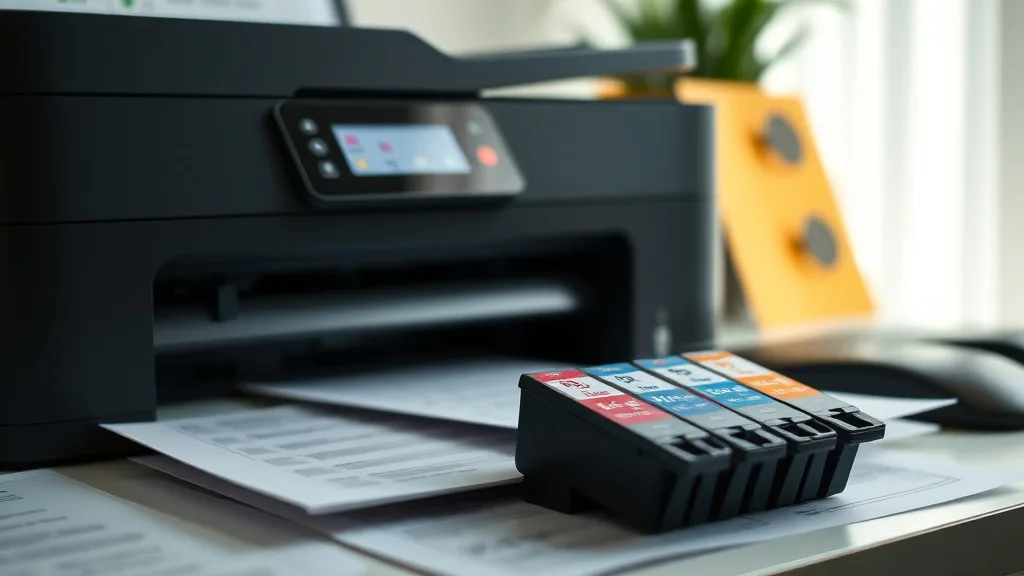
If you’re tired of shelling out high prices for ink cartridges only to discover you’ve been sold a fake, you’re not alone. Counterfeit or remanufactured cartridges marketed as genuine OEM products can lead to frustrating print quality issues, printer errors, and wasted money. This guide will help you reliably spot authentic OEM ink cartridges so you avoid the pitfalls and get the performance your printer deserves.
What Are Genuine OEM Ink Cartridges?
Genuine OEM (Original Equipment Manufacturer) cartridges are produced by the same company that makes your printer. They are designed to exact specifications for that model, ensuring optimal print quality, yield, and reliability. OEM cartridges include integrated chips or firmware that communicate with your printer and often include anti-counterfeit technologies.
In contrast, third-party cartridges (compatible, remanufactured, or refilled) are produced by other companies. They may work fine in many cases but can cause issues such as inconsistent ink flow, clogs, or error messages, especially if the printer uses chip-based authentication.
Counterfeit cartridges mimic OEM packaging but often contain lower-quality ink, faulty chips, or fake seals. Identifying genuine OEM ink cartridges protects your investment in the printer and ensures dependable printing without the risk of damage.
See also: How to Identify Genuine OEM Ink Cartridges vs Compatible Products
How OEM Cartridges Are Protected Against Fakes
Phone cases - Sponsored - 15% off first order
Phone Case Gift - They pick the model · 2 minutes Code FIRST15GIFTOEM manufacturers use several methods to secure their cartridges:
- Holograms and Authenticity Seals: Complex holograms, color-shifting inks, and security labels added to the packaging.
- Unique Cartridge Designs: Proprietary casing shapes, cartridge contacts, or physical layouts hard to duplicate.
- Embedded Microchips: Chips that communicate cartridge type, ink levels, and authenticity to the printer firmware. These chips can trigger error messages if counterfeit.
- Serial Numbers and QR Codes: Traceable unique codes that can be verified on the manufacturer’s website or via mobile apps.
- Special Packaging Materials: Tamper-evident seals, shrink wraps, or specific box materials difficult to replicate.
Despite these protections, counterfeiters are improving their methods, making identification less straightforward.
Step-by-Step: How to Identify a Genuine OEM Cartridge
Here are practical steps to help you determine if an ink cartridge is genuine:
1. Inspect the Packaging Thoroughly
- Look for Holograms and Security Labels: Genuine OEM cartridges usually feature high-quality holograms that shift color from different angles. Check their clarity and alignment.
- Check for Tamper Seals: Ensure factory seals are intact and unbroken. Be wary of packages resealed or with obvious adhesive residue.
- Examine Print Quality: Printing on the box should be crisp, clear, and free from typos or low-resolution images.
- Verify QR Codes or Serial Numbers: If available, scan these with your smartphone or verify on the OEM website.
2. Compare Physical Features of the Cartridge
- Match with Official Images: Visit the OEM website or user manual to compare the cartridge shape, color, label placement, and cartridge contacts.
- Feel the Weight and Build Quality: Genuine cartridges usually have a solid, well-made feel without loose parts or cheap plastic.
- Check Chip Placement: The chip should be firmly attached, with clean contacts. Fake chips may look crudely glued or misaligned.
3. Check the Print Quality and Printer Messages
- Install Carefully and Watch for Printer Warnings: OEM cartridges generally install smoothly without error messages like “Cartridge not recognized” or “Use OEM cartridges only.”
- Test Print Output: Look for clear text, consistent color, and no streaking or banding.
- Monitor Ink Levels via Printer Software: Genuine cartridges report ink levels accurately; fakes sometimes do not.
4. Confirm Purchase Source and Price
- Buy from Authorized Retailers or OEM Stores: Avoid unknown third-party sellers offering steep discounts.
- Suspiciously Low Prices Are Red Flags: If a cartridge is priced far below market, it is probably fake or refurbished.
- Keep Receipts for Verification or Returns: Documentation helps if you must contest counterfeit items.
Comparison Table: Genuine OEM vs Counterfeit Ink Cartridges
Phone cases - Sponsored - 15% off first order
Titan Case - Precision fit · 2,000+ designs Code FIRST15TIT| Feature | Genuine OEM Cartridge | Counterfeit Cartridge |
|---|---|---|
| Packaging Quality | High-quality print, holograms, seals | Poor-quality print, missing/damaged labels |
| Cartridge Weight & Feel | Solid and consistent | Lighter or flimsy plastic |
| Chip and Contact Quality | Firmly attached, aligned chip contacts | Poor chip placement, loose contacts |
| Ink Quality & Performance | Consistent color, reliable performance | Variability in ink color, streaks, errors |
| Printer Warnings | No errors or warnings | Possible recognition errors or blocks |
| Price | Matches OEM MSRP or slight discount | Significantly cheaper |
| Warranty & Support | Backed by OEM warranty | Usually no warranty or support |
| Serial Number/QR Code | Verifiable via OEM resources | Often fake or unverifiable |
Common Pitfalls in Identifying Genuine OEM Cartridges
- Assuming Packaging Equals Authenticity: High-quality fake packaging is common; always check the cartridge itself.
- Ignoring Printer Alerts: Some printer models alert users about cartridge authenticity—always heed these warnings.
- Buying from Unverified Sellers: Marketplaces and auction sites are common sources of fakes.
- Believing Price Alone: Extreme discounts usually come with quality trade-offs.
- Not Checking Your Printer Model Compatibility: OEM cartridges are model-specific. Using incorrect cartridges can trigger errors.
When to Use Genuine OEM Ink Cartridges
Phone cases - Sponsored - 15% off first order
Phone Cases For Charity - Every case supports a cause Code GIVE10- You rely on consistent, high print quality for professional or presentation materials.
- You want to avoid printer firmware lockouts or error messages related to cartridges.
- Your printer’s warranty requires OEM consumables to remain valid.
- You prefer guaranteed ink yield and color fidelity.
- You want the reassurance of manufacturer-backed warranty and support.
On the other hand, compatible or remanufactured cartridges may save money but carry risks in reliability and print quality. Identifying genuine OEM ink cartridges ensures you reap your printer’s full value without surprises.
Frequently Asked Questions
Q: How can I verify the serial number on an OEM ink cartridge?
A: Many OEMs provide online verification portals or mobile apps where you enter or scan the cartridge serial number or QR code to confirm authenticity.
Q: Is it safe to use third-party ink cartridges instead of OEM?
A: Third-party cartridges can work well and save money, but they sometimes cause print quality issues, decreased yield, or printer errors, especially in printers with chip authentication.
Q: My printer says “Cartridge not recognized” after installing a new OEM cartridge. What do I do?
A: This may indicate a counterfeit or damaged chip, or a firmware mismatch. Try reinstalling the cartridge, updating printer firmware, or contacting the OEM support for help. Avoid buying OEM cartridges from unreliable sources to prevent this issue.
Top Picks
Watchdog picks
- LxTek Compatible Toner Cartridge 6510 6515 106R03480 106R03477 106R03478 106R034
- B08KDQZJQ5
- B0FCS4HWPH
- Soldering Iron Kit, 80W 110V LCD Digital Solder Iron Pen with Ceramic Heater, Po
- HP OfficeJet Pro 9135 Wireless All-in-One Color Inkjet Printer, Print, Scan, Cop
- HP DeskJet 2755 All-in-One Wireless Printer Scanner Copier Instant Ink Ready Mob
- B01N7V39UO
- B07P5Y5QHG
Products in this guide
- Brother Genuine TN760 High Yield Black Toner Cartridge, (for use with MFC-L2710DW MFC-L2750DW HL-L2350DW HL-L2370DW HL-L
- Brother Printer LC30193PK Super High Yield XXL 3 Pack Ink Cartridges- 1 Ea: Cyan/Magenta/Yellow Ink
- Genuine Brother LC3019 (LC-3019) (BK/C/M/Y) High Yield Color Ink 4-Pack (Includes 1 Each LC3019BK, LC3019C, LC3019M, LC3
- HP 962XL Black High-Yield Ink Cartridge | Works with OfficeJet 9010, Pro 9010, 9020 | Eligible for Instant Ink | 3JA03AN
