
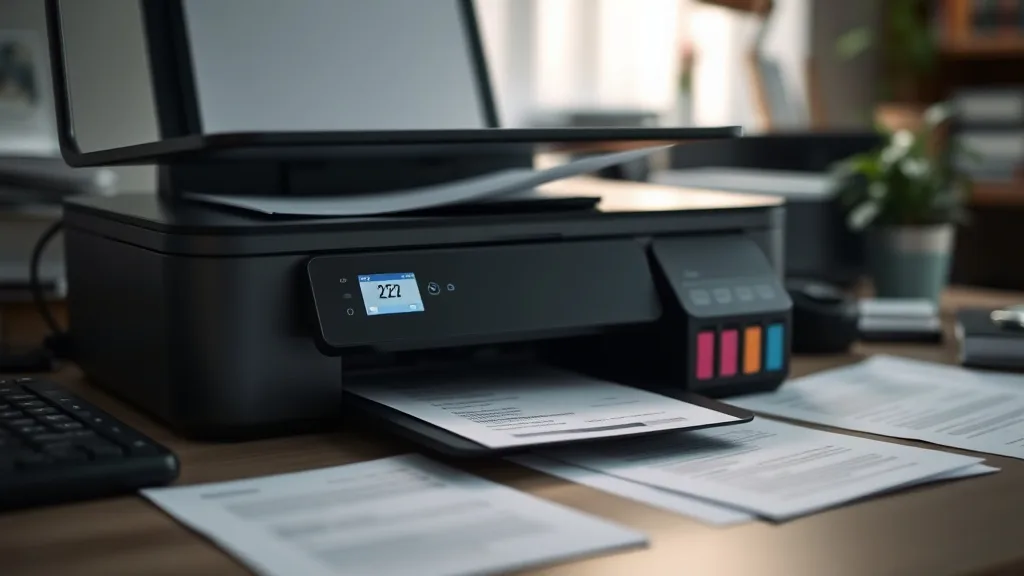
How Compatible Ink Cartridges Can Save Money Without Losing Quality
If you own a printer, you’re likely frustrated by the high cost of brand-name ink cartridges. These OEM (Original Equipment Manufacturer) cartridges often carry steep price tags, dramatically increasing your cost per page and turning everyday printing into an expensive habit. The temptation to switch to cheaper alternatives is real, but many printer owners worry about sacrificing print quality, facing chip lockouts, or damaging their printers. Compatible ink cartridges offer a middle ground: potential savings without necessarily compromising quality. This article explains what compatible cartridges are, how they work, when using them makes sense, and the risks to watch out for, helping you make an informed decision to save money on printing costs.
See also: Cost Comparison: OEM Ink vs Compatible Ink Over One Year
What Are Compatible Ink Cartridges?
Phone cases - Sponsored - 15% off first order
Phone Case Gift - They pick the model · 2 minutes Code FIRST15GIFTCompatible ink cartridges are non-OEM cartridges designed to fit and work with your printer model. Unlike remanufactured or refilled cartridges—which start as used OEM cartridges—compatible cartridges are typically newly built from third-party manufacturers. They aim to match or exceed the capacity and ink formulation of OEM cartridges but come at a fraction of the cost.
Key Characteristics of Compatible Cartridges:
- New build: Not recycled OEM shells; manufactured from scratch.
- Price: Typically 30% to 70% cheaper than brand-name cartridges.
- Fit and function: Designed to physically fit and electronically communicate with your printer via integrated chips.
- Ink quality: Varies by manufacturer; some meet OEM standards, others may differ.
How Compatible Ink Cartridges Work
Printers and cartridges communicate through embedded chips that relay authentication data to prevent the use of unauthorized supplies. Compatible cartridge makers reverse-engineer these chips or create new ones to mimic OEM communication so the printer recognizes and accepts the cartridge.
Once installed, a compatible cartridge dispenses ink similarly to an OEM cartridge. However, differences in ink formulation or build quality, such as nozzle precision or chip reliability, can cause variations in print sharpness, color accuracy, or longevity.
When to Use Compatible Ink Cartridges
Phone cases - Sponsored - 15% off first order
Titan Case - Precision fit · 2,000+ designs Code FIRST15TITChoosing compatible cartridges often makes sense in these scenarios:
- High volume printing: If you print frequently, the cost savings on supplies add up quickly.
- Everyday prints: For internal documents, drafts, or casual prints, slight quality differences are often acceptable.
- OEM cartridge chip lockouts: When your printer rejects refills or remanufactured cartridges due to chip incompatibility, compatible cartridges offer a chip solution.
- Budget constraints: When you want to reduce ongoing printing costs without changing printers.
Cost Savings and Yield: A Closer Look
When evaluating whether to switch, consider two crucial factors: the cartridge yield (how many pages it can print) and the effective cost per page (CPP).
Understanding Yield and Cost Per Page
| Cartridge Type | Price (Example) | Yield (Pages) | Cost Per Page (CPP) |
|---|---|---|---|
| Brand-Name Cartridge | $60 | 400 | $0.15 |
| Compatible Cartridge | $25 | 350 | $0.07 |
Example values for illustration purposes.
While compatible cartridges often have slightly lower page yields than OEM cartridges, the drastically lower price generally results in half (or less) the cost per page. Some third-party cartridges even exceed OEM yields by using higher ink volume or improved formulations—but this varies widely.
Quality Considerations and Risk Assessment
Phone cases - Sponsored - 15% off first order
Phone Cases For Charity - Every case supports a cause Code GIVE10The primary worry with compatible cartridges is quality and compatibility issues, which include:
- Print quality: Colors may be less vibrant, blacks less deep, or images less sharp in lower-end compatible cartridges.
- Chip lockouts: Some printers use firmware updates to refuse non-OEM cartridges entirely or display persistent warnings.
- Printer damage risk: Rare but possible—poorly manufactured cartridges can leak or clog printheads.
- Warranty concerns: OEM policies may void certain printer warranties if non-OEM cartridges cause damage (though this is often legally contested).
Mitigating Risks
- Buy from reputable third-party suppliers with strong customer reviews and return policies.
- Avoid “super cheap” cartridges with extremely low prices and unknown origins.
- Update printer firmware cautiously, as some updates block third-party cartridges.
- Test with a compatible cartridge on a secondary printer first if possible.
Comparing OEM vs Compatible Cartridges Side-by-Side
| Feature | Brand-Name Cartridge | Compatible Cartridge |
|---|---|---|
| Upfront Cost | High | Low to moderate |
| Cost Per Page | Higher | Significantly lower |
| Ink Yield | Standardized by manufacturer | Varies: equal, lower, or occasionally higher |
| Print Quality | Consistent color and sharpness | Slightly variable, often comparable |
| Compatibility (Chip) | Guaranteed | Mostly compatible; some lockouts possible |
| Warranty Impact | Manufacturer-backed | May risk printer warranty |
| Environmental Impact | New or remanufactured OEM materials | Usually new-made plastic, but some recycle programs exist |
| Availability | Widely available | Widely available but quality varies |
Practical Tips for Getting the Most from Compatible Cartridges
- Research brands and reviews extensively: Not all compatibles are equal. Established third-party producers invest in quality and chip tech.
- Consider multi-pack purchases: Bulk compatible cartridge packs reduce cost more but carry larger upfront investment.
- Clean printheads regularly: To maintain optimal print quality and cartridge life, regular cleaning reduces clogging with third-party inks.
- Keep OEM cartridges on hand: For critical or color-sensitive jobs, switch back to brand-name cartridges.
- Check your printer model’s compatibility: Some printers are more “lockdown” heavy than others; user forums can be a great resource.
- Be proactive after firmware updates: Avoid immediate updating if it might disable third-party cartridge recognition.
Frequently Asked Questions
Q: Will using compatible cartridges void my printer warranty?
A: It depends on the manufacturer and local laws. Some brands claim using third-party cartridges can void warranty coverage related to cartridge damage, but many regions have consumer protections limiting this.
Q: How much money can I realistically save with compatible cartridges?
A: Savings vary but often range from 30% to 70% compared to OEM cartridges, translating to significant annual cost reductions for frequent printers.
Q: Can compatible cartridges damage my printer?
A: While rare, poorly made compatible cartridges can leak or clog printheads. Buying from reputable sellers and following maintenance tips minimizes this risk.
Switching to compatible ink cartridges can be a smart financial move for printer owners tired of exorbitant OEM prices. By understanding how they work and weighing risks versus savings, you can make cost-effective choices without unnecessarily sacrificing print quality or printer health.
Top Picks
Watchdog picks
- B0FBRH75LK
- B01N5Q9Q6J
- B000H0XFCS
- HP Original 962 Cyan, Magenta, Yellow / 962XL Black Ink Cartridges (4-Pack) - Wo
- Skydo LC3019XXL Ink Cartridges Replacement for LC3019 XXL LC 3019-XXL LC3019 Wor
- B0F7K193ZR
- Toner Kingdom Compatible Toner-Cartridge Replacement for Canon 054H 054 High Yie
- Brother LC3019BK Super High Yield Black Ink Cartridge
Products in this guide
- HP OfficeJet Pro 9125e Wireless All-in-One Color Inkjet Printer, Print, scan, copy, fax, ADF, Duplex printing best-for-o
- HP OfficeJet Pro 8125e Wireless All-in-One Color Inkjet Printer, Print, scan, Copy, ADF, Duplex Printing Best-for-Home O
- Inkjet Refill Kit Pro — Compatible with HP, Canon, Epson, and Lexmark Cartridges
- Brother Printer LC30193PK Super High Yield XXL 3 Pack Ink Cartridges- 1 Ea: Cyan/Magenta/Yellow Ink
