
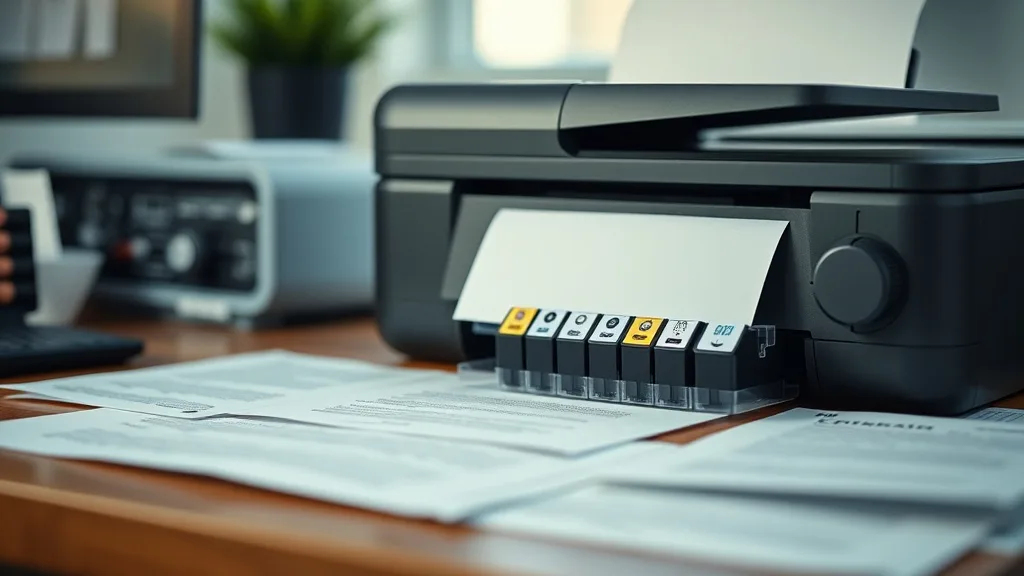
Many printer owners looking to save money face frustration when brand-name ink cartridges run out, and replacement cartridges cost more than expected—especially since some cartridges are designed for only a handful of uses. Properly refilling inkjet cartridges yourself can stretch each cartridge’s life to six or more refills, dramatically lowering your cost per page. However, success comes down to technique, tools, and understanding compatibility and chip lockouts. This guide walks you through how to properly refill your inkjet cartridges so they last longer without sacrificing print quality or risking cartridge damage.
Why Refill Instead of Buy New?
Brand-name cartridges tend to carry sky-high prices relative to the ink they contain. For users printing regularly, buying a new OEM cartridge every time quickly adds up. Refilling cartridges allows you to:
- Lower your cost per page dramatically
- Reduce plastic waste by reusing cartridges multiple times
- Maintain solid print quality by using compatible ink and techniques
However, the key to success is learning how to refill properly to avoid leaks, clogs, and premature chip lockouts that can render cartridge refills useless.
See also: 10. Canon PG-245 refill kits ranked by color accuracy
What You Need to Get Started
Phone cases - Sponsored - 15% off first order
Phone Case Gift - They pick the model · 2 minutes Code FIRST15GIFTBefore diving into the refilling process, gather the proper equipment and supplies:
- Ink refill kit – Comes with syringes, needles, and ink formulated for your cartridge type
- Gloves and paper towels – Ink can stain your hands and surfaces
- Small drilling tool or pin – For creating the refill hole if one doesn’t exist
- Tape or sealant – To reseal the refill hole
- A surface or container for cleaning – Use in a protected area to avoid mess
Most refill kits are sold as “universal” but make sure the ink is compatible with your cartridge model—pigment- vs dye-based, color vs black, and the printer’s brand type matter.
Step-by-Step Guide to Refilling Inkjet Cartridges (6+ Refills)
Refilling cartridges multiple times requires careful attention to detail each time. Follow these steps:
1. Inspect the Cartridge
- Remove the cartridge from the printer.
- Check for existing refill holes; if none are visible, locate the sponge or ink reservoir on the cartridge.
- Look for chip placement; some chips limit refills.
2. Create or Locate the Refill Hole
- If the cartridge has a factory refill hole covered with a sticker, peel it off carefully.
- If no refill hole exists, use a small drill bit or pin to create one in the designated area—usually on the top or side.
- Be gentle to avoid damaging the cartridge structure.
3. Load Your Syringe with Ink
- Draw up the recommended ink amount (typically 5-10 ml per refill, but check packaging).
- Use ink designed for your cartridge—for example, pigment ink for pigment cartridges.
4. Inject the Ink Slowly
- Insert the syringe needle into the refill hole at an angle.
- Inject ink slowly to avoid air bubbles and overfilling.
- Stop injecting once you feel resistance or ink begins to appear at the top.
5. Seal the Refill Hole
- After filling, seal the hole with tape or the provided plug.
- Ensure the seal is airtight to prevent leaks and drying out.
6. Clean the Cartridge
- Wipe any spilled ink off the cartridge.
- Allow the cartridge to sit upright for 15-30 minutes to let the ink saturate the sponge.
7. Reset or Bypass the Chip (If Needed)
- Many modern cartridges have chips that count prints or track ink levels.
- Some chips can be reset using special resetters or software; others require replacement with compatible chips.
- Incompatible chips can prematurely “lock” the cartridge, preventing further use.
8. Reinstall and Test Print
- Reinstall the cartridge carefully into your printer.
- Run a cleaning cycle if necessary.
- Print test pages to check color consistency and avoid streaks or fading.
Tips for Achieving Six or More Refills
Phone cases - Sponsored - 15% off first order
Titan Case - Precision fit · 2,000+ designs Code FIRST15TIT- Only refill when ink truly runs low—don’t wait until completely empty to avoid drying out the cartridge sponge.
- Avoid shaking or dropping cartridges; internal damage shortens life.
- Always use high-quality ink designed for your cartridge type.
- Handle chips delicately; chip damage usually kills the cartridge.
- Keep refill holes sealed tightly to prevent air exposure.
- Store refilled cartridges in a cool, dry place when not in use.
Comparison: OEM vs Third-Party vs Refilled Cartridges
| Feature | OEM Brand-Name Cartridge | Compatible Third-Party Cartridge | Properly Refilled Original Cartridge |
|---|---|---|---|
| Initial Cost | High | Medium | Low (after first purchase) |
| Cost Per Page | Highest | Medium | Lowest (after multiple refills) |
| Print Quality | Usually Best | Variable | Near-OEM (depends on refill ink) |
| Number of Refills | 0 (disposable) | Sometimes limited | 6 or more possible |
| Chip Lockouts | Designed to work seamlessly | Sometimes incompatible | Can be reset or bypassed |
| Reliability | Very high | Varies | Dependent on refill technique |
| Environmental Impact | Higher waste | Lower than OEM | Lowest due to reuse |
Common Pitfalls to Avoid
Phone cases - Sponsored - 15% off first order
Phone Cases For Charity - Every case supports a cause Code GIVE10- Overfilling ink — Leads to leaks and printer damage.
- Using incorrect ink types — Causes poor print quality and potential clogs.
- Not sealing refill holes well — Leads to dry cartridges and ink drying out.
- Breaking chips during refill — Can permanently disable cartridges.
- Ignoring printer warnings — Firmware updates can sometimes block refilled cartridges, requiring chip updates or resets.
Wrapping Up
Refilling inkjet cartridges is an effective way to cut down per-page printing costs while reducing waste. Achieving six or more refills is possible once you master the tools, ink types, and chip management. While it takes some patience and technique, the savings and environmental benefits make the effort worthwhile. Always source quality refill kits and follow precise steps to maximize cartridge lifespan.
Frequently Asked Questions
Q: How do I know if my cartridge can be refilled multiple times?
A: Cartridges with durable internal ink reservoirs (sponges) and resettable chips are best for multiple refills. Look for cartridge models with existing refill holes or chips known to be resettable.
Q: What if my printer gives an “empty cartridge” warning after refilling?
A: This is usually a chip issue. Try using a chip resetter or compatible chip replacement. Some printers also allow override through software.
Q: Can I use any ink for refilling?
A: No. Use ink designed for your cartridge type and printer brand to avoid clogging and quality issues—pigment ink for pigment cartridges, dye ink for dye cartridges, and color-matched ink types.
Top Picks
Watchdog picks
- B07J2P2V7T
- Epson EcoTank ET-2800 Wireless Color All-in-One Cartridge-Free Ink Supertank Pri
- WEAREC Compatible Toner Cartridge Replacement for Brother TN760 TN-760 TN730 wit
- B09PH83KK5
- B0748ZCG45
- B00SAYAKPK
- B00NQ1CLTI
- HP OfficeJet Pro 8125e Wireless All-in-One Color Inkjet Printer, Print, scan, Co
Products in this guide
- HP OfficeJet Pro 9125e Wireless All-in-One Color Inkjet Printer, Print, scan, copy, fax, ADF, Duplex printing best-for-o
- HP OfficeJet Pro 8125e Wireless All-in-One Color Inkjet Printer, Print, scan, Copy, ADF, Duplex Printing Best-for-Home O
- Brother Printer LC30193PK Super High Yield XXL 3 Pack Ink Cartridges- 1 Ea: Cyan/Magenta/Yellow Ink
- HP OfficeJet Pro 9125 Wireless All-in-One Color Inkjet Printer, Print, Scan, Copy, Fax, ADF, Duplex Print/scan, Best-for
