InkLedger is reader-supported. When you buy through links on our site, we may earn an affiliate commission. This helps us keep the lights on and the ink flowing, allowing us to continue investigating the real cost of printing.
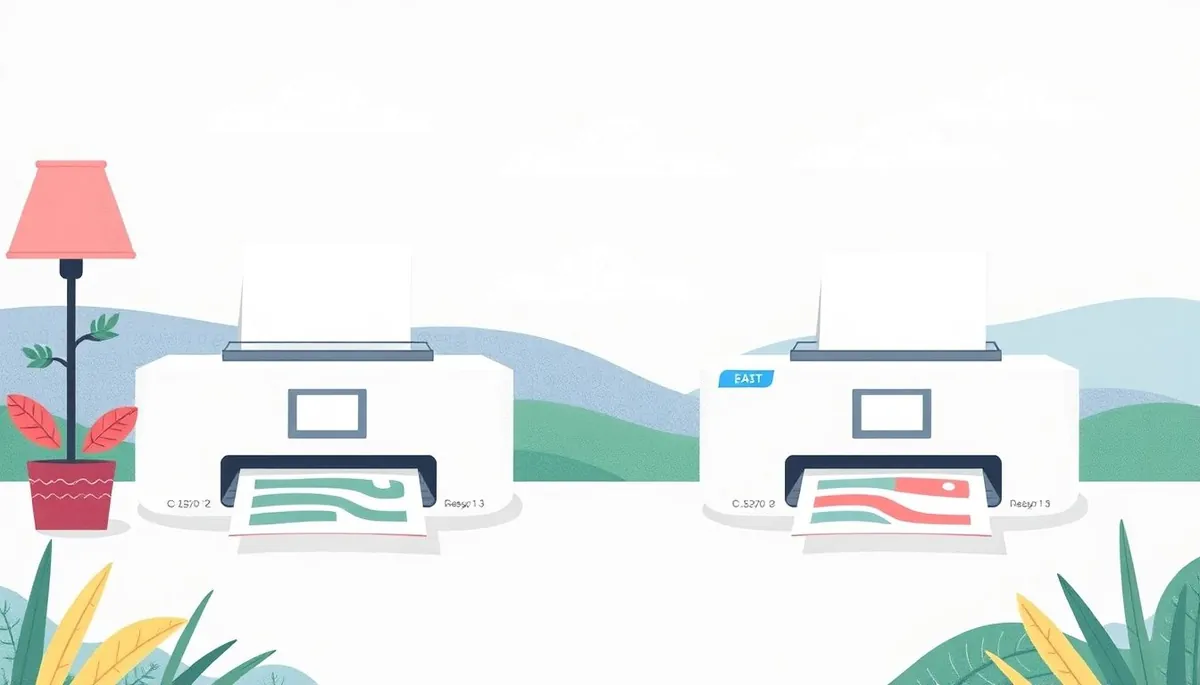
The HP DeskJet 2755e vs 4155e: both are budget-friendly all-in-one inkjet printers aimed at the home user, but which one is the right choice for you? While they share many similarities, key differences in features, functionality, and price point can make one a clear winner depending on your specific needs. We’ve broken down the critical distinctions to help you make an informed decision, saving you from potential printer regret (and, more importantly, overspending on ink).
Key Similarities: The Foundation They Share
Phone cases - Sponsored - 15% off first order
Phone Case Gift - They pick the model · 2 minutes Code FIRST15GIFT
Before we dive into the differences, let’s acknowledge what these two printers have in common. This base understanding helps narrow down the decision if certain features are non-negotiable for you.
- All-in-One Functionality: Both are all-in-one printers, meaning they can print, scan, and copy. This versatility makes them suitable for a wide range of home tasks, from printing documents and photos to scanning important papers and making quick copies.
- HP+ Enabled: Both the 2755e and 4155e are “HP+” enabled, meaning they require an HP account, an internet connection, and the use of genuine HP ink cartridges to function optimally. While this can be seen as a drawback for some (we are InkLedger, after all), it does unlock benefits like extended warranties and access to HP’s Instant Ink subscription service. We’ll address the Instant Ink angle later.
- Wireless Connectivity: Both offer wireless connectivity via Wi-Fi, allowing you to print from your computer, smartphone, or tablet without the need for a direct USB connection.
- Mobile Printing: Both support mobile printing through the HP Smart app, making it easy to print from your mobile devices.
- Print Quality: Both printers deliver similar print quality for everyday documents and photos. They’re not professional-grade photo printers, but they are adequate for standard home use.
- Cartridge Compatibility: Both use the same HP 67 black and tri-color ink cartridges. Unfortunately, this also means they share the same high cost per page with OEM cartridges, which is why it’s crucial to explore alternatives, such as ink refill kitsCheck on Amazon → or compatible cartridges once your initial HP+ period expires.
Key Differences: Where the Paths Diverge
Now for the meat of the comparison: the features that set the HP DeskJet 2755e and 4155e apart. These differences can significantly impact your user experience and overall value.
Automatic Document Feeder (ADF)
- HP DeskJet 2755e: Lacks an ADF. You must manually feed each page when scanning or copying multi-page documents.
- HP DeskJet 4155e: Features a 35-page ADF. This allows you to load a stack of papers and automatically scan or copy them, saving you significant time and effort.
Practical Implication: If you frequently scan or copy multi-page documents (think receipts, contracts, or school assignments), the ADF on the 4155e is a huge time-saver. If you only occasionally scan or copy, the lack of an ADF on the 2755e might not be a deal-breaker.
Print Speed
- HP DeskJet 2755e: Prints at approximately 7.5 pages per minute (ppm) in black and 5.5 ppm in color.
- HP DeskJet 4155e: Prints at approximately 8.5 ppm in black and 5.5 ppm in color.
Practical Implication: The 4155e offers a slightly faster black print speed, but the difference is marginal. In real-world use, you’re unlikely to notice a significant difference in print speed between the two models unless you’re printing large documents regularly. Both are slow, but functional for home use.
Display Screen
- HP DeskJet 2755e: Features an icon LCD display. This display shows basic information, such as ink levels and error messages.
- HP DeskJet 4155e: Features a segment LCD display. This display provides more detailed information and is generally easier to read than the icon display on the 2755e.
Practical Implication: The 4155e’s display is a noticeable improvement, making it easier to navigate the printer’s settings and troubleshoot issues. The 2755e’s icon display is functional, but less intuitive.
Price
- HP DeskJet 2755e: Typically priced lower than the 4155e.
- HP DeskJet 4155e: Generally costs more than the 2755e, reflecting its added features.
Practical Implication: Price is a major factor for most buyers. If you’re on a tight budget and don’t need the extra features of the 4155e, the 2755e is the more economical choice. However, consider the long-term cost of ink – a slightly more expensive printer with better features might save you time and frustration in the long run.
Paper Handling
- HP DeskJet 2755e: Input tray holds up to 60 sheets; output tray holds up to 25 sheets.
- HP DeskJet 4155e: Input tray holds up to 80 sheets; output tray holds up to 25 sheets.
Practical Implication: The 4155e holds slightly more paper (20 sheets) in the input tray than the 2755e. This is not a significant difference in most home-use scenarios, but could reduce how often you refill the tray if you print several times per week.
The Ink Question: HP 67 Cartridges and Cost Per Page
Phone cases - Sponsored - 15% off first order
Titan Case - Precision fit · 2,000+ designs Code FIRST15TITLet’s be blunt: the biggest recurring cost with any inkjet printer is the ink. Both the HP DeskJet 2755e and 4155e use HP 67 black and tri-color ink cartridges. These cartridges are notoriously expensive for the amount of ink they contain, leading to a high cost per page.
- HP 67 Black: Approximately 200 pages
- HP 67 Tri-Color: Approximately 100 pages
Using genuine HP cartridges, you can expect to pay around $0.15 - $0.20 per page for black and white prints and significantly more for color prints. This cost can quickly add up, especially if you print frequently.
HP Instant Ink: Both printers are eligible for HP’s Instant Ink subscription service. This service can potentially lower your ink costs, but it’s essential to carefully evaluate your printing habits to determine if it’s truly a cost-effective solution. With Instant Ink, you pay a monthly fee based on the number of pages you print, regardless of ink coverage.
Alternatives to OEM Cartridges: Once your HP+ commitment is over, consider using compatible ink cartridges or refilling your existing cartridges. These options can significantly reduce your ink costs. We’ve covered how to refill ink cartridges extensively on InkLedger.
Who is Each Printer Best Suited For?
To help you visualize the best fit, here’s a breakdown of who each printer is ideal for:
HP DeskJet 2755e:
- Budget-conscious users: If you’re looking for the most affordable option and don’t need advanced features, the 2755e is a good choice.
- Light-duty printing: If you only print occasionally and don’t scan or copy multi-page documents frequently, the 2755e will suffice.
- Space-constrained environments: Its slightly smaller footprint might be beneficial if you have limited desk space.
HP DeskJet 4155e:
- Users who frequently scan or copy: The ADF is a major selling point for those who regularly work with multi-page documents.
- Users who value convenience: The easier-to-read display and slightly faster print speed contribute to a more user-friendly experience.
- Users who are willing to spend a little more upfront: If you can afford the higher initial cost, the added features of the 4155e can be worth the investment.
Making the Final Decision: Beyond the Specs
Phone cases - Sponsored - 15% off first order
Phone Cases For Charity - Every case supports a cause Code GIVE10
Ultimately, the decision between the HP DeskJet 2755e and 4155e comes down to your individual needs and priorities. Consider the following questions:
- How often do you scan or copy multi-page documents? If the answer is “frequently,” the 4155e is the clear winner.
- Is budget a major concern? If so, the 2755e is the more affordable option.
- Do you value convenience and ease of use? The 4155e’s improved display and slightly faster print speed make it a more user-friendly choice.
- Are you willing to explore alternatives to genuine HP ink cartridges? Regardless of which printer you choose, exploring compatible cartridges or refill kits is essential to minimize your long-term printing costs.
Don’t forget to factor in the long-term cost of ink when making your decision. While the initial price of the printer is important, the cost of ink cartridges will quickly dwarf that expense.
By carefully considering these factors, you can choose the HP DeskJet printer that best meets your needs and helps you save money on printing in the long run. And remember, no matter which printer you choose, InkLedger is here to help you navigate the often-confusing world of ink and find the best ways to reduce your printing costs.
Watchdog picks
- B0748ZCG45Check on Amazon → · Buy on Amazon
- B09XT22566Check on Amazon → · Buy on Amazon
- B01N7V39UOCheck on Amazon → · Buy on Amazon
- Smart Ink Remanufactured Ink Cartridges Replacement for HP 962XL 962 XL Combo PaCheck on Amazon → · Buy on Amazon
- B08PDHVZ4NCheck on Amazon → · Buy on Amazon
- 962XL Ink Cartridges for HP 962XL Ink Cartridges Combo Pack Work for HP OfficejeCheck on Amazon → · Buy on Amazon
- B09TG52XT4Check on Amazon → · Buy on Amazon
- HP OfficeJet Pro 9125 Wireless All-in-One Color Inkjet Printer, Print, Scan, CopCheck on Amazon → · Buy on Amazon
Products in this guide
- HP DeskJet 2855e Wireless All-in-One Color Inkjet Printer, Scanner, Copier, Best-for-home, 3 month Instant Ink trial incCheck on Amazon →
- HP OfficeJet Pro 8125e Wireless All-in-One Color Inkjet Printer, Print, scan, Copy, ADF, Duplex Printing Best-for-Home OCheck on Amazon →
- HP DeskJet 2955 Wireless All-in-One Color Inkjet Printer, Scanner, Copier, Best-for-Home, 3 Month Trial of Instant Ink ICheck on Amazon →
- Brother HL-L2300D Monochrome Laser Printer with Duplex PrintingCheck on Amazon →