
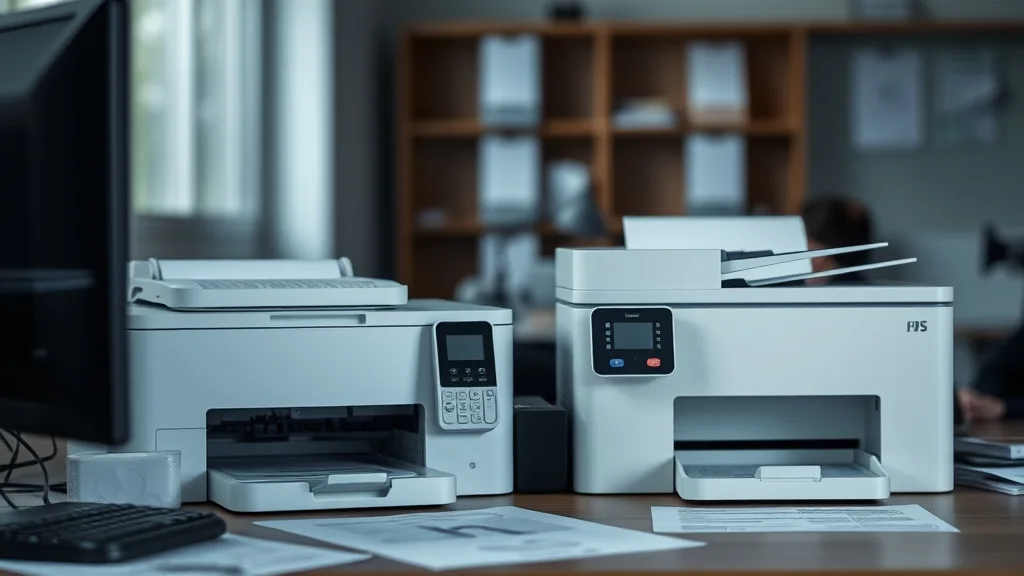
All-in-One vs Single-Function Printers for Cost Per Year: Which Makes More Financial Sense?
If you’ve ever faced a printing bill shock with expensive cartridges or wondered whether buying a multifunction printer is a better long-term investment than a dedicated single-function device, you’re not alone. Printer owners frequently grapple with balancing upfront costs, ongoing ink expenses, and reliability concerns. Understanding how all-in-one and single-function printers stack up in cost per year—including consumables, yield, and potential maintenance—can help you make a smart choice rather than getting burned by steep OEM pricing.
See also: Cost Comparison: OEM Ink vs Compatible Ink Over One Year
What Are All-in-One and Single-Function Printers?
Phone cases - Sponsored - 15% off first order
Phone Case Gift - They pick the model · 2 minutes Code FIRST15GIFT-
All-in-One (AIO) Printers: These devices combine printing, scanning, copying, and sometimes faxing in a single unit. They are versatile and often found in home offices or small businesses.
-
Single-Function Printers (SFPs): These are dedicated devices focused solely on printing. They do not have any ancillary features and can either be inkjet or laser printers.
How Ink Costs and Usage Impact Yearly Printer Expenses
Regardless of printer type, ink or toner tends to be the largest recurring expense. Understanding the cost per page (CPP) and yield (number of pages per cartridge or refill) is crucial.
Key Considerations:
-
OEM vs Third-Party Consumables: Brand-name cartridges usually cost more but offer better compatibility and reliability. Third-party or remanufactured cartridges slash ink costs but can pose risks due to chip lockouts or print quality issues.
-
Yield Variation: AIO printers often use cartridges designed to serve multiple functions, sometimes with lower yields. Single-function printers can sometimes leverage high-yield cartridges optimized solely for printing.
-
Frequency of Use: If you print infrequently, ink drying and cartridge clogging can lead to wasted ink regardless of printer type.
How Do All-in-One and Single-Function Printers Differ in Cost Per Year?
Phone cases - Sponsored - 15% off first order
Titan Case - Precision fit · 2,000+ designs Code FIRST15TIT| Feature / Cost Element | All-in-One Printers | Single-Function Printers |
|---|---|---|
| Initial Purchase Price | Generally higher due to added functionality | Often lower, especially basic models |
| Ink/Toner Cost (per cartridge) | May have multiple cartridges (color, black, scanner-related sensors) | Usually focused ink cartridges; fewer parts |
| Ink Yield | Possibly lower due to multi-use cartridges and additional features | Higher yield versions widely available |
| Maintenance Costs | More moving parts and sensors can increase maintenance needs | Simpler mechanics tend to reduce breakdowns |
| Energy Consumption | Typically higher due to multifunction operations | Lower, dedicated printing hardware only |
| Replacement Frequency | Cartridge replacements may be more frequent | Potential for longer intervals between replacements |
| Cost Per Page (CPP) | Higher when factoring in multifunction use and ink type | Generally lower, especially with compatible cartridges |
| Risk of Chip Lockouts | Higher due to advanced features with chips embedded | Lower complexity means fewer chip-related lockouts |
| Space and Desk Footprint | Larger footprint, possibly affecting workspace | Smaller, freeing up desk space |
When Should You Choose an All-in-One Printer?
-
You Need Multiple Functions: If you regularly scan or copy documents alongside printing, an all-in-one unit consolidates hardware and can reduce the total number of devices.
-
Space Considerations Are Secondary: AIO printers tend to be bulkier. If desk space is not a constraint, this is less of an issue.
-
You Prefer One Device to Maintain: Rather than juggling several machines, one device means one set of supplies and one point of repair or replacement.
-
Printing Volume is Moderate: For occasional or moderate printing, ink cost differences especially with OEM cartridges may be less impactful.
When Should You Choose a Single-Function Printer?
Phone cases - Sponsored - 15% off first order
Phone Cases For Charity - Every case supports a cause Code GIVE10-
Your Priority is Low Cost Per Page: Single-function printers often have larger, more efficient cartridges, especially laser printers, which reduces CPP over time.
-
You Only Need Printing: If scanning or copying is rare or handled via other devices, a single-function unit is a focused investment.
-
You Want Simpler Maintenance: Fewer mechanisms mean fewer failures; this can reduce indirect costs and downtime.
-
You Rely on Third-Party Compatibility: Single-function printers are less likely to have complex chip lockouts interfering with cheaper cartridge alternatives.
Common Pitfalls in Choosing Between All-in-One and Single-Function Printers
-
Ignoring Ink Yield and Cost Per Page: Focusing only on upfront price can lead to selecting a device with prohibitively high ink costs.
-
Overestimating Multifunction Needs: Many users find they rarely use the scan/copy features, yet pay a premium for them.
-
Underestimating Replacement Frequency: Multifunction printers often require more frequent consumable changes due to multiple transducers or sensors.
-
Failing to Check Compatibility Risks: Chip-based lockouts targeting third-party cartridges can increase your ongoing costs drastically, especially with advanced all-in-one models.
-
Overlooking Energy Costs and Desk Space: These can impact long-term value and convenience but are often underestimated.
Cost-Per-Year Scenario Example
Assuming average printing of 1,500 pages annually with moderate scanning:
| Expense Type | All-in-One Printer | Single-Function Printer |
|---|---|---|
| Initial Cost | $200 | $120 |
| Ink/Toner Cartridges (3 sets @ $30 each) | $90 (assuming OEM cartridges) | $60 (high yield OEM cartridges) |
| Maintenance & Repairs | $40 | $20 |
| Energy Costs | $15 | $10 |
| Total Annual Cost (Depreciation + Ink + Maintenance + Energy) | ~$135 (excluding printer depreciation) | ~$90 (excluding printer depreciation) |
While the numbers are approximate, they highlight a potential $45 annual savings on consumable and maintenance costs by choosing a single-function printer — savings that add up over multiple years.
Tips to Optimize Printer Running Costs Regardless of Printer Type
-
Use Third-Party or Remanufactured Cartridges Where Reliable: Check compatibility but beware of chip lockouts and warranty issues.
-
Monitor Your Yield: Track how many pages you truly print per cartridge to calculate accurate cost-per-page.
-
Choose High-Yield Cartridges if Possible: Upfront investment may be bigger but the overall CPP lowers considerably.
-
Regularly Maintain Your Printer: Avoid ink clogs and false cartridge errors to extend cartridge life.
-
Consider Your Actual Usage: Don’t overspend on features you won’t utilize regularly; simplicity often saves money.
Frequently Asked Questions
Q: Can I convert an all-in-one printer to print-only to save ink?
A: Not directly. Even if you rarely use the other features, the consumables and sensors still cycle during printing, so ink usage remains generally the same.
Q: Are third-party cartridges safe for all-in-one printers?
A: They can reduce costs significantly but may lead to chip recognition issues or inconsistent scanning performance. Test with smaller purchases before fully switching.
Q: How do chip lockouts affect yearly printer costs?
A: Modern printers often have chips in cartridges that prevent non-OEM refills. When triggered, this forces users to buy more expensive brand-name cartridges, raising the CPP substantially.
Making the right choice between an all-in-one and single-function printer depends heavily on your printing habits, feature needs, and budget priorities. By focusing on cost per page, yield, and compatibility risks, you can avoid common traps and achieve genuine savings.
Top Picks
Watchdog picks
- Brother LC3019BK Super High Yield Black Ink Cartridge
- HP 67 Black/Tri-Color Ink Cartridges (2-Pack) - Works with DeskJet 1255, 2700, 4
- YIHUA 939D+ Digital Soldering Station, 75W Equivalent with Precision Heat Contro
- B0C1ZF94GW
- HP 962XL Black High-Yield Ink Cartridge - Works with OfficeJet 9010, Pro 9010, 9
- TN760 Toner for Brother Printer TN730: Compatible for Brother TN-730/TN-760 TN 7
- Brother Genuine High-Yield Black Toner Cartridge Twin Pack TN760 2Pk, TN7602PK,2
- B09PH83KK5
