
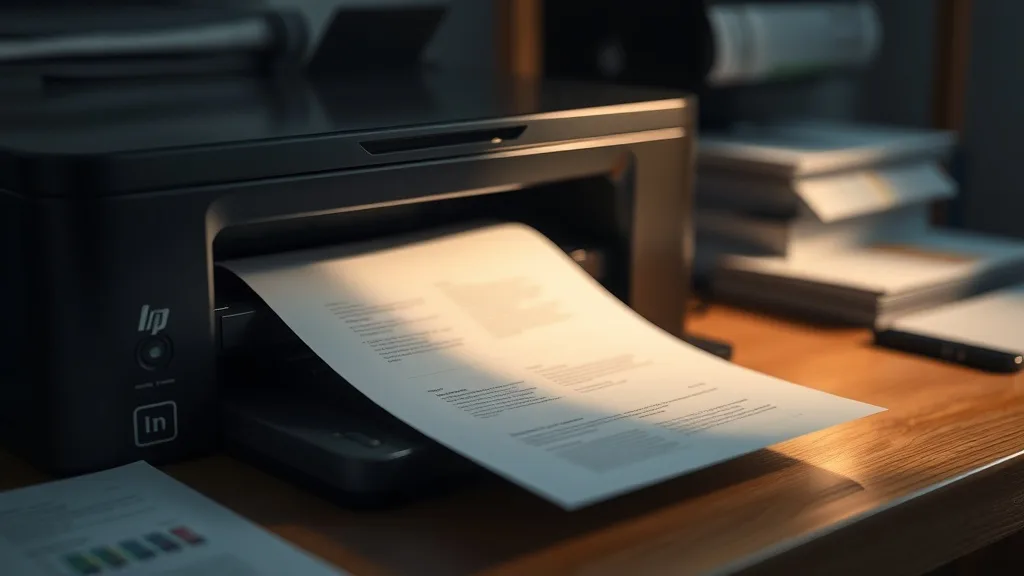
If you own a printer but don’t use it frequently, you’ve probably faced the frustrating problem of dried-out ink cartridges. This drying not only wastes expensive ink but can also clog printer nozzles, cause poor print quality, and sometimes render cartridges unusable before they’ve actually run out of ink. Thankfully, there are practical steps you can take to avoid ink drying out between uses and extend the life of both your cartridges and your printer.
Why Ink Cartridges Dry Out Between Uses
Ink cartridges dry out because the liquid ink inside them is exposed to air, which causes evaporation. This problem is especially common with inkjet printers, where ink jets spray microscopic droplets through tiny nozzles. When the printer is idle for days or weeks, the ink in the nozzles can dry and clog the printhead. Additionally, most cartridges contain porous sponge-like materials that hold ink but will dry out if not replenished through regular printing.
See also: How to Extend Printer Ink Cartridge Life for Maximum Savings
How to Avoid Cartridge Drying Out: Step-by-Step
Phone cases - Sponsored - 15% off first order
Phone Case Gift - They pick the model · 2 minutes Code FIRST15GIFT1. Print Regularly to Keep Ink Flowing
The easiest and most effective way to prevent drying is to use your printer consistently. Aim for at least one test print or document every few days. This keeps the ink circulating in the printhead and prevents stagnation. Even a simple page with a mix of colors will help. Setting a calendar reminder can help you stay consistent.
2. Store Cartridges Properly When Not in Use Long-Term
If you won’t use your printer for an extended period (more than a month), consider removing the cartridges and storing them separately. Store cartridges in a sealed plastic bag with a damp paper towel to maintain humidity and reduce drying. Keep them in a dark, cool place, as heat and light accelerate evaporation.
3. Use Printer Power Management Features
Some modern printers have built-in maintenance cycles to prevent ink from drying. Enable automatic maintenance or cleaning cycles in your printer’s settings if available. These cycles periodically circulate ink to keep the nozzles moist, even when the printer isn’t in use.
4. Avoid Frequent Cartridge Removal and Replacement
Taking cartridges in and out frequently exposes their internal components to air, increasing the chance of drying. Unless you’re explicitly swapping cartridges, keep them seated in the printer to preserve the internal moisture balance.
5. Keep Your Printer and Cartridge Seal Intact
Check the cartridge and printer sealing surfaces for damage or dust buildup, which can let air leak into the cartridge. Clean as needed with a lint-free cloth and avoid puncturing or cracking seals on cartridges. Damaged seals accelerate drying and ink leakage.
6. Choose Cartridge Type Wisely
Different types of cartridges and ink formulas have different drying tendencies:
| Cartridge Type | Drying Tendencies | Cost Consideration | Best For |
|---|---|---|---|
| Brand-name cartridges | Optimized ink formulations, less prone to drying | Higher upfront cost | Frequent users who want reliability |
| Third-party compatible cartridges | Cost-effective but variable ink quality, can dry quicker | Lower upfront cost | Occasional users on a budget |
| Refillable cartridges | User refills; ink storage varies | Cheaper per page | Heavy users who refill regularly |
If drying has been a persistent issue, consider higher quality or brand-name cartridges optimized for reliability, even though they cost more upfront.
7. Use Printer Cover or Keep Printer in Dust-Free Environment
Dust and debris can accelerate drying by damaging printheads or impairing ink flow. If your printer doesn’t have a built-in cover, consider using an external dust cover when the printer is idle. Also, store the printer in a room with stable temperature and humidity levels.
Common Pitfalls to Avoid
- Ignoring low usage cycles: If you rarely print but expect to, drying will occur unless you actively manage cartridge care.
- Running cartridges completely dry: Low ink levels mean more air exposure, worsening drying and clogging risks.
- Using incompatible refill inks: Poor-quality or incompatible ink can dry faster or clog nozzles.
- Overcleaning printheads: Excessive cleaning cycles waste ink and increase wear on the printhead.
Summary Table: Daily Practices to Prevent Cartridge Drying
Phone cases - Sponsored - 15% off first order
Titan Case - Precision fit · 2,000+ designs Code FIRST15TIT| Activity | Benefit | Frequency | Notes |
|---|---|---|---|
| Print a test page | Keeps ink flowing and nozzles clear | Every 3-5 days | Can be a simple color page |
| Store cartridges in sealed bags | Maintains moisture when removed | Long-term storage | Use damp towel; avoid direct heat |
| Enable automatic maintenance | Circulates ink automatically | Printer dependent | Use if printer supports this feature |
| Keep cartridges seated | Minimizes air exposure | Continuous | Avoid unnecessary cartridge swaps |
| Use dust cover or clean printer | Prevents dust-related drying issues | After printing | Reduces printhead damage |
When to Consider Replacing Cartridges or Printheads
If you notice persistent drying-related issues like streaks, incomplete colors, or printhead errors even after maintenance, it may be time to replace the cartridge or clean/replace the printhead. Cartridges typically have a limited lifespan in terms of usage and calendar time. Refilling or resupplying cartridges beyond their design limits can backfire and cost more in repairs or replacements.
Final Thought
Phone cases - Sponsored - 15% off first order
Phone Cases For Charity - Every case supports a cause Code GIVE10Printer ink drying out isn’t a mystery or inevitable expense — it’s largely preventable with a few regular habits and simple storage precautions. By understanding the mechanics of ink drying and following these actionable steps, you can save money by extending cartridge life, reduce frustrating print failures, and enjoy crisp prints without the hype around miracle fixes.
Frequently Asked Questions
Q: How often should I print to prevent my cartridges from drying out?
A: Ideally, print a test page or a small color document at least once every 3-5 days to keep the ink fresh and prevent drying at the nozzles.
Q: Can I just refill dried cartridges to save money?
A: Refilling can help if done correctly, but dried cartridges often clog printheads, requiring cleaning or replacement. Refilling won’t fix mechanical clogging from dried ink.
Q: Does the type of ink impact how quickly cartridges dry out?
A: Yes. Brand-name cartridges generally have ink formulations optimized for moisture retention and less drying compared to some third-party or refill inks, which vary in quality.
Top Picks
Watchdog picks
- B09PH83KK5
- B07J2P2V7T
- Aomya Compatible Ink Refill kit for HP 60 61 63 64 65 902 932 952 564 Refillable
- HP OfficeJet Pro 9135 Wireless All-in-One Color Inkjet Printer, Print, Scan, Cop
- Brother Genuine High-Yield Black Toner Cartridge Twin Pack TN760 2Pk, TN7602PK,2
- B0F7KKY728
- Ink Cartridge Printer Replacement Part Compatible with Expression Photo XP-15000
- HP DeskJet 2755 All-in-One Wireless Printer Scanner Copier Instant Ink Ready Mob
Products in this guide
- HP DeskJet 2755 Wireless All-in-One Printer, Mobile Print, Scan & Copy, Instant Ink Ready, Works with Alexa (3XV17A)
- HP OfficeJet Pro 9125e Wireless All-in-One Color Inkjet Printer, Print, scan, copy, fax, ADF, Duplex printing best-for-o
- HP OfficeJet Pro 8125e Wireless All-in-One Color Inkjet Printer, Print, scan, Copy, ADF, Duplex Printing Best-for-Home O
- HP OfficeJet Pro 9125 Wireless All-in-One Color Inkjet Printer, Print, Scan, Copy, Fax, ADF, Duplex Print/scan, Best-for
