
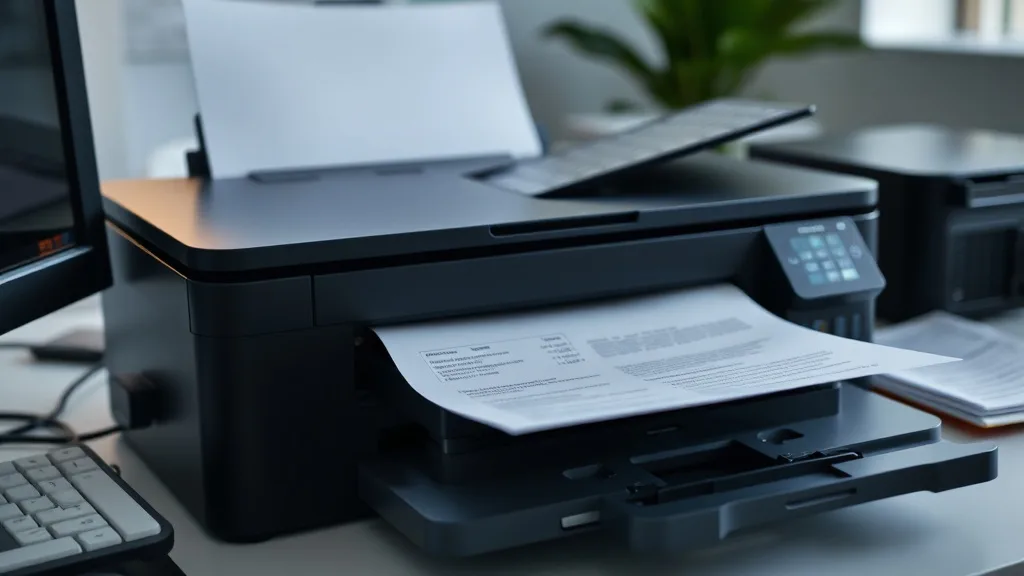
Replacing expensive brand-name toner cartridges with compatible alternatives is a proven strategy to cut your printing costs, but it comes with risks if you don’t install them properly. Many printer owners experience ruined cartridges, poor print quality, or even printer damage because they skip basic precautions during installation. This guide walks through best practices for installing compatible toner cartridges safely, ensuring reliability and maximizing savings without headaches.
What Are Compatible Toner Cartridges?
Compatible toner cartridges are remanufactured or newly made cartridges designed to work with specific printer models but produced by a third party rather than the original equipment manufacturer (OEM). They often cost 30-70% less per page than brand-name cartridges, making them attractive for budget-conscious users.
Compatible cartridges can be:
- Remanufactured OEM cartridges that have been refilled and rebuilt
- Newly manufactured cartridges made from non-OEM parts
- Refills (if you refill your own existing cartridge)
Because they are not made by the printer maker, there are sometimes variations in quality, chip compatibility, and yield.
See also: Best Practices for Refilling Ink Cartridges Without Damaging Them
Why Proper Installation Matters
 Sponsored
Compatible cartridges often come with slightly different fits, toner formulas, or chip configurations. Installing them incorrectly can cause:
- Cartridge jams or failure to seat properly
- Printer error messages or chip recognition failures
- Leaking toner and messy cleanup
- Reduced print quality (streaks, spots, faded text)
- Potential printer hardware damage if debris enters internal parts
Following best practices is your best defense against these issues.
How to Safely Install Compatible Toner Cartridges: 8 Steps
-
Prepare Your Workspace
Use a clean, flat, and dry surface with adequate lighting. Avoid carpets or fabric surfaces where toner dust can stick and spread. -
Power Off and Unplug the Printer
Turn off your printer and disconnect it from power to avoid any electric or mechanical hazards. -
Remove the Old Cartridge Carefully
Open the printer access panels as directed by the manufacturer and gently remove the old cartridge to avoid spilling toner. -
Inspect the New Cartridge Package
Check for any visible damage, ensure the cartridge model matches your printer, and look for protective seals or tape that need to be removed before installation. Most compatible cartridges require removing a plastic tab or seal before use. -
Handle the Cartridge Properly
Avoid touching the drum surface or electronic chips—finger oils or dirt can affect print quality and chip communication. -
Align and Insert Correctly
Follow the printer’s guides or slots to seat the cartridge firmly but gently. Don’t force it; a properly designed cartridge should slide in smoothly. -
Cycle the Printer Power
Once installed, close the panels, plug the printer back in, and power it on. This allows the printer to recognize the new cartridge and reset counters. -
Run a Test Print
Print a test page to verify cartridge installation, proper toner distribution, and to calibrate the printer if necessary.
Key Compatibility and Reliability Considerations
Compatible cartridges use chips or firmware designed to mimic OEM cartridges’ communication with the printer. Sometimes printer firmware updates introduce new chip authentication mechanisms that cause compatible cartridges not to work until updated compatible firmware or chip versions are available.
Here’s how compatible and brand-name cartridges generally compare:
| Feature | Brand-Name Cartridge | Compatible Cartridge | Notes |
|---|---|---|---|
| Cost Per Page | Highest | 30-70% Lower | The main reason for choosing compatible |
| Print Quality | Consistent, OEM standards | Varies by manufacturer | Some compatibles near OEM, some not |
| Yield (Page Count) | Guaranteed by OEM | Often close but can vary | Sometimes actual yield is lower |
| Chip Compatibility | Perfect integration with printer firmware | Can fail after firmware updates | Risk of printer errors or recognition issues |
| Reliability | High, backed by OEM warranty | Moderate, depends on quality control | Some risk of malfunction |
| Environmental Impact | Often recyclable under OEM programs | Depends on vendor recycling initiatives | Remanufactured can be more eco-friendly |
When to Use Compatible Toner Cartridges
Compatible cartridges make sense if you:
- Print regularly and want to dramatically reduce ink/toner spending
- Accept some trade-off in print quality for cost savings
- Are willing to test different compatibles to find reliable brands
- Don’t frequently update printer firmware or can delay updates to avoid chip lockout
- Have older printers no longer supported by OEM cartridges
Common Pitfalls and How to Avoid Them
- Ignoring Protective Seals: Forgetting to remove protective tapes or seals causes error messages or poor print quality. Always follow unpacking instructions.
- Using Non-matching Models: Buying a cartridge marketed as “compatible” but designed for a different printer often leads to seating and chip errors.
- Firmware Update Lockouts: If you update the printer firmware right after installation, the printer might block your compatible cartridge. Wait for cartridge vendor updates first.
- Touching Chips or Drums: Oils and static damage chips or photo drums, resulting in print defects.
- Forcing the Cartridge in Place: If it won’t fit smoothly, double-check alignment and model numbers rather than forcing it.
- Poor Storage Before Use: Toner cartridges stored in extreme temperatures or humidity can clump or degrade toner quality.
Extending Cartridge Reliability Post-Installation
- Store spare cartridges sealed and climate-controlled.
- Consider using a print management app to monitor page counts and warn of low toner.
- Keep cleaning supplies handy (lint-free cloths, toner vacuum if available) to handle small leaks quickly.
- Rotate between brand-name and third-party cartridges to extend printer life.
Frequently Asked Questions
Q: Will using compatible cartridges void my printer warranty?
A: Most printer warranties do not explicitly void coverage for third-party cartridge use, but OEM vendor support may be limited for issues linked directly to compatible cartridges.
Q: How can I avoid chip recognition errors after firmware updates?
A: Avoid auto firmware updates until your compatible cartridge supplier confirms compatibility with the new firmware. Some suppliers also provide chip update kits.
Q: Is print quality reliable with compatible cartridges?
A: Quality varies; high-end compatibles can approach OEM output, but budget brands may produce streaks or color shifts. Test before buying in bulk.
By following these best practices you can safely install compatible toner cartridges, confidently reduce your print costs, and avoid common missteps that lead to frustrating printer errors. Understanding how compatible cartridges function and their limitations will help you get dependable performance while maximizing your savings.
Top Picks
Watchdog picks
- Brother Genuine Standard Yield Toner Cartridge, TN730, Replacement Black Toner,
- E-Z Ink TN760 Toner for Brother Printer Compatible for Brother TN-760 TN730 TN-7
- HP 63XL/65XL Black High-Yield Ink Cartridge (Replaces and Works with Both 63XL &
- WEP 926LED V3 Soldering Station 130W MAX Soldering Iron Kit with Solder Wire, 5
- B0D96T79YF
- B00762AHTE
- Astra Platinum Double Edge Safety Razor Blades,100 Blades (20 x 5)
- Aomya Ink Refill Kit 100ml for HP 67 61 65 60 62 63 910 920 901 902 932 933 934
Products in this guide
- Inkjet Refill Kit Pro — Compatible with HP, Canon, Epson, and Lexmark Cartridges
- HP OfficeJet Pro 9125e Wireless All-in-One Color Inkjet Printer, Print, scan, copy, fax, ADF, Duplex printing best-for-o
- HP OfficeJet Pro 8125e Wireless All-in-One Color Inkjet Printer, Print, scan, Copy, ADF, Duplex Printing Best-for-Home O
- Brother Genuine TN730 3-Pack Standard Yield Black Toner Cartridge with Approximately 1,200 Page Yield/Cartridge