Who this guide is for
You print at home or in a small office, you are tired of $35 tri-color carts, and you want a repeatable system — not a one-off YouTube hack. This is InkLedger’s consolidated refill and compatible playbook. Pair it with the Ink Pricing Report for the macro numbers.
Refill vs compatible vs OEM — pick your tier
Phone cases - Sponsored - 15% off first order
Phone Case Gift - They pick the model · 2 minutes Code FIRST15GIFT
| Approach | Upfront effort | Cost per page | Print quality | Warranty risk |
|---|---|---|---|---|
| OEM | None | Highest | Reference | None |
| Reman / compatible | Low (swap cart) | 40–70% lower | Good if vetted | Low* |
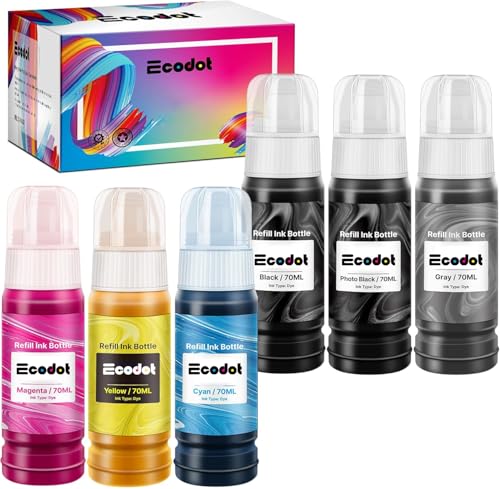
| Refill kit | Medium (syringe) | 60–85% lower | Good with practice | Low* |
| CISS / bulk ink | High (install) | Lowest | Variable | Moderate |
*Manufacturers threaten warranty void for third-party ink; U.S. Magnuson-Moss limits that in practice for many claims — we cover reality, not fear, in third-party warranty risks.
Step 1 — Know if your printer is refill-friendly
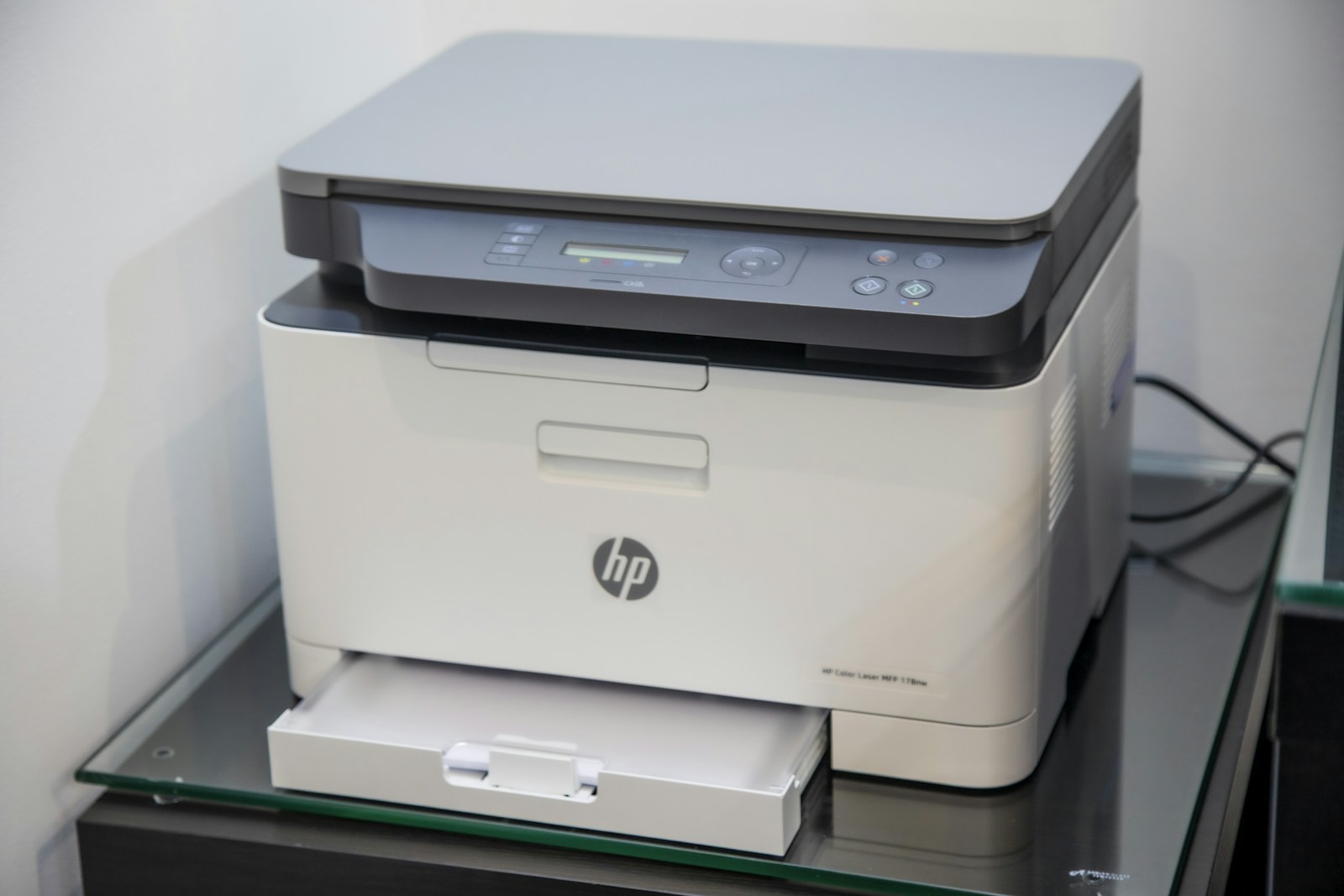
Good candidates: older HP DeskJet/OfficeJet, many Canon PIXMA, Epson models without aggressive chip lockouts.
Bad candidates: newest HP with dynamic security firmware, some Epson EcoTank (use bottles, not drills), office MFPs under service contracts.
Check your exact model in our articles hub before buying a kit.
Step 2 — Buy the right refill kit
Phone cases - Sponsored - 15% off first order
Titan Case - Precision fit · 2,000+ designs Code FIRST15TITOur lab retested home refill kits on six common HP and Canon carts. The Inkjet Refill Kit Pro (HP/Canon)Check on Amazon → consistently delivered the cleanest fills for beginners — slower than bulk bottles, but fewer air bubbles and clogged heads.
Kit checklist:
- Needle gauge matched to your cart vent
- Chip reset tool only if your model requires it
- Gloves + paper towels (non-negotiable)
- Instruction video for your cart number, not a generic HP logo
Step 3 — Compatible cartridges when you hate syringes
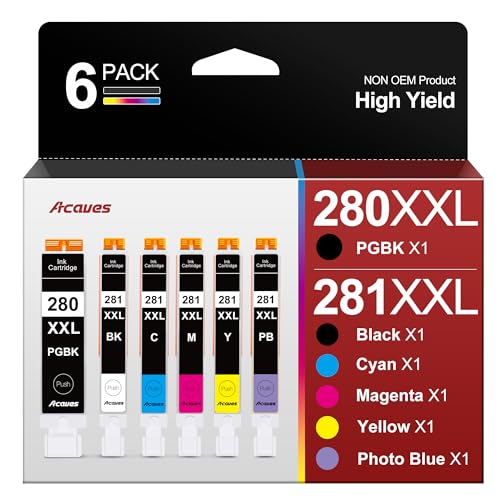
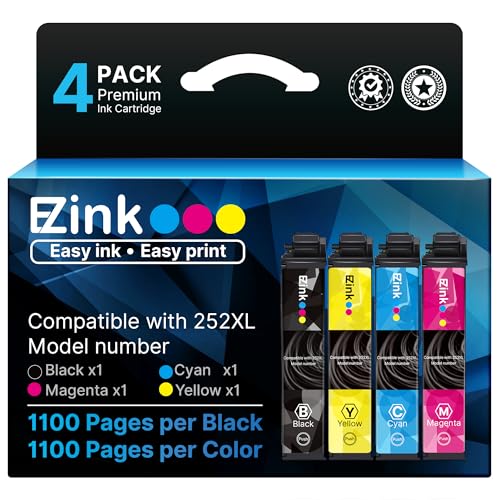
If refilling feels messy, vetted compatibles are the 80/20 solution. Start with black only:
- HP 65 BlackCheck on Amazon → for Envy/DeskJet households — compare against OEM yield on your first 50 pages.
- Keep one OEM color for photos; run compatibles for school handouts.
Run a nozzle check after install. Two streaky pages → run one cleaning cycle, not five (each cycle wastes ink).
Step 4 — When OEM still wins
Phone cases - Sponsored - 15% off first order
Phone Cases For Charity - Every case supports a cause Code GIVE10
Stay OEM (or factory reman) when:
- You print archival photos or client-facing color proofs
- Your employer reimburses supplies and requires OEM receipts
- You are under Instant Ink and switching would trigger plan penalties
For everyone else, a hybrid stack (OEM black + compatible color, or refill drafts + OEM finals) is how InkLedger staff prints.
Maintenance that protects savings
- Print weekly — dried heads cost more than a cheap cart.
- Power off properly — park heads before unplugging.
- Store carts sealed — see our vacuum-sealing pillar.
- One cleaning cycle rule — repeated cleanings are OEM’s hidden tax.
Recommended reading
- Ink Pricing Report — household dollar impact
- Best ink refill kits for home printers
- How to refill ink cartridges at home
- All scored products
Reviewed June 2026 by Marcus Nolan, InkLedger senior editor.