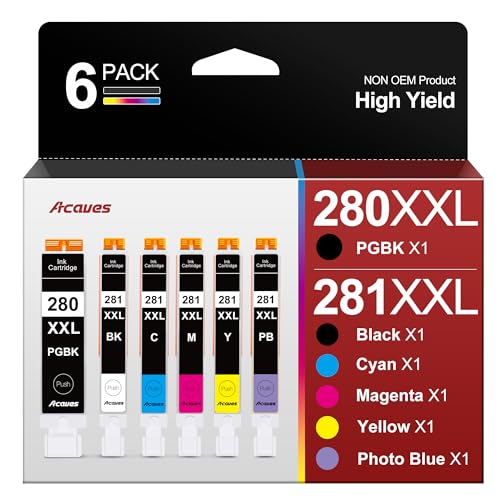
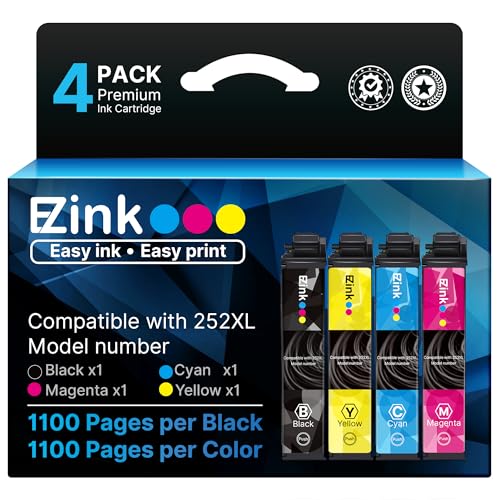
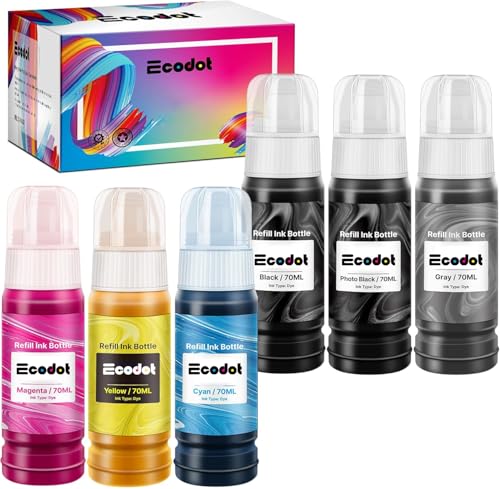
A printer that has ink, power, and a network connection but still won’t produce a page is one of the most frustrating tech problems precisely because the cause could be software, hardware, or the ink itself. The FAQ below walks through diagnosis in the order that resolves the problem fastest for most people.
The fastest diagnostic path
- Print a test page directly from the printer’s own menu (bypasses your computer entirely).
- If that works, the problem is your print queue or driver — clear the queue and reinstall the driver.
- If that fails, reseat the cartridges and run a printhead cleaning cycle.
- If print quality is still bad after 2-3 cleaning cycles, the printhead nozzles may need replacement, which on many inkjets means a new cartridge (the printhead lives in the cartridge) rather than a separate repair. A 5-in-1 ink refill and maintenance tool kitCheck on Amazon → is handy to have on hand for this exact scenario, since it includes the syringes and cleaning tools needed to flush a partially clogged cartridge before giving up on it.
If ink cost is part of what’s driving you toward troubleshooting this printer instead of replacing it, see our ink pricing report for the real cost-per-page math across printer types.
Frequently Asked Questions
Does printer ink dry out if not used?
Yes -- ink exposed to air at the printhead nozzles can dry and clog within 2-4 weeks of inactivity, especially with pigment-based inks, which dry faster than dye-based ones. This is the single most common cause of a printer that 'has ink but won't print' after sitting unused for a while.
How do I check if my printer ink is empty?
Most printers show an ink-level warning on their control panel or connected app before running fully empty, but you can also print a test/nozzle-check page from the printer's maintenance menu, which shows gaps or streaks if a color is low. If the printer refuses to print at all and shows an 'ink empty' error, check that the cartridge is seated fully -- a loose cartridge often triggers a false empty reading.
How do I check my printer's ink levels?
On most printers, ink levels are visible either on the printer's built-in display, through the manufacturer's app (HP Smart, Epson iPrint, Canon PIXMA Print), or via the printer settings menu on your computer. These readings are estimates based on usage tracking, not a direct ink sensor, so they can be off by 10-20% in either direction.
How do I know if my printer is running low on ink?
Faded or streaky prints, missing colors, or a low-ink warning notification are the clearest signs. If print quality has degraded gradually over the last several jobs rather than failing suddenly, low ink is more likely than a mechanical problem.
How do I reset a printer that won't print?
Start with a power cycle: turn the printer off, unplug it for 30 seconds, then plug it back in and power on -- this clears many temporary firmware glitches. If that doesn't work, remove and reseat the ink cartridges, then run the printer's built-in printhead cleaning cycle from its maintenance menu before trying a full factory reset as a last resort.
How long can you leave ink in a printer without using it?
Most printers tolerate 2-4 weeks of inactivity without issues, but beyond a month, printhead clogging risk rises significantly, especially for tank-style printers with more exposed ink pathways. If you know you won't use a printer for an extended period, print a test page every couple weeks to keep ink flowing through the nozzles.
How to fix a printer that has ink but not printing?
Work through this order: reseat the cartridges, run a printhead cleaning cycle from the printer menu, check for a paper jam sensor stuck in the 'jam detected' state even with no paper present, and confirm the printer isn't paused in your computer's print queue. If cleaning cycles don't restore print quality after 2-3 attempts, the printhead nozzles may be too clogged to clear and could need professional service or replacement.
How to fix not printing on printer?
First isolate whether it's a connection problem or a printer problem: try printing a test page directly from the printer's own menu (no computer involved) -- if that works, the issue is your computer's connection or print queue, not the printer itself. If the direct test page also fails, move to the ink/cartridge troubleshooting steps above.
Why is my printer working but not printing?
This almost always means the printer is receiving power and responding to commands but something in the print pipeline is stuck -- a paused print queue, a driver that needs reinstalling, or a printhead clog are the three most common causes. Clear the print queue completely and restart both the printer and computer before troubleshooting further, since a stuck queue job is the single most common cause of this specific symptom.